Visualizing Bayesian Agents

TL;DR
- This article explores how visualizing bayesian agents helps businesses understand ai decision-making under uncertainty. We cover the shift from black-box models to transparent probability updates that drive better business intelligence. You'll learn how to see the logic behind automated workflows and why these tools are vital for scaling enterprise automation with confidence.
The shift from black box to bayesian clarity
Ever felt like your ai is just a magic trick you can't explain? It's pretty frustrating when a model spits out a "No" on a loan or a weird medical diagnosis and you got no clue why.
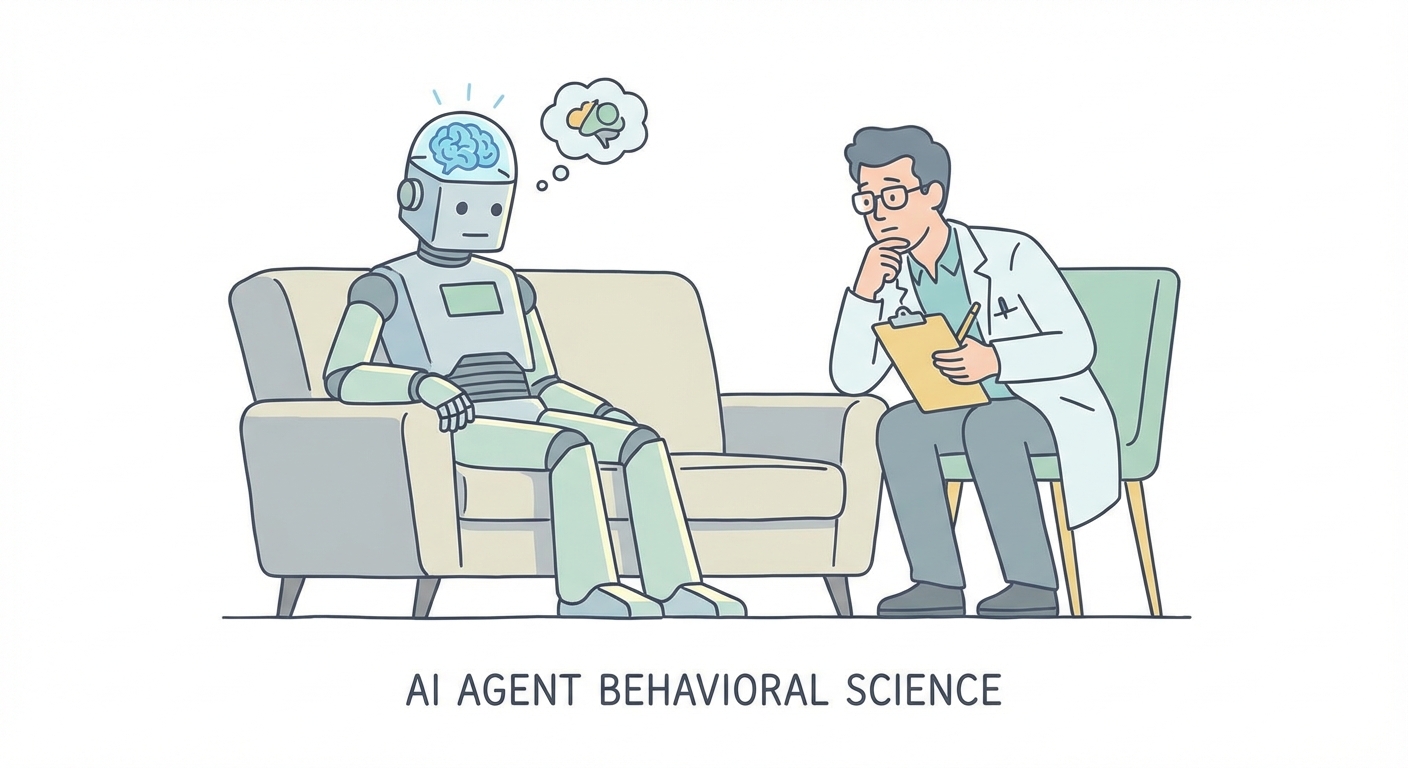
Traditional neural networks are basically black boxes. They give you an answer but hide the homework, which makes it real hard for a ceo or a doctor to actually trust the thing. (How is it that neural networks are considered a "black box"?)
- The Mystery Box: Most enterprise ai takes data and gives a result, but the "why" is buried in math nobody can read.
- Trust Issues: In retail or finance, if you can't explain a prediction, you can't really use it for big decisions.
- Static Logic: Old-school systems don't handle "I don't know" very well, they just guess anyway.
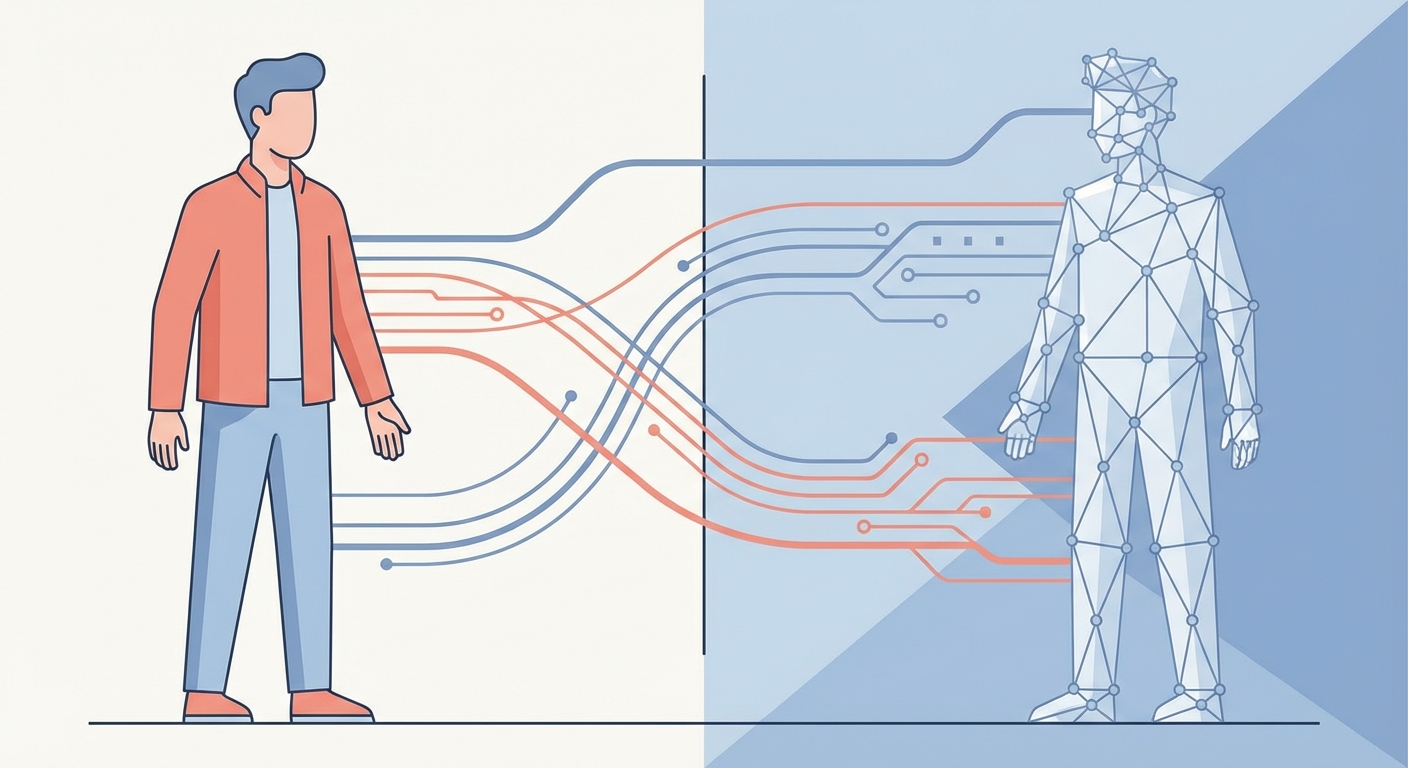
A bayesian agent is different because it uses probability to track what it actually knows—and more importantly, what it doesn't. According to research from the MU Collective (2020), visualizing these updates helps people make way more rational decisions compared to just looking at raw data.

It's like how we learn. You see something new, you adjust your opinion. Seeing that process happen in real-time makes the machine feel less like a ghost and more like a partner. Next, we'll look at how this actually looks on a screen.
How to see what an agent thinks
Ever tried to explain why your ai changed its mind? It’s like trying to catch smoke with your bare hands unless you have a way to actually see the logic shifting in real-time.
Think of a "Prior" as the agent's gut instinct before it sees any new evidence. If you're in retail, your prior might be "customers usually buy more on Fridays." When the data starts rolling in, the agent updates this into a "Posterior"—the new reality.
- The Prior: This is the starting distribution. It represents what we already know from historical trends or expert input.
- The Posterior: After processing fresh api data, the curve shifts. If Friday sales are actually tanking, the agent’s confidence moves toward a new conclusion.
- Confidence Curves: Instead of a single boring number, we use probability distributions. A tall, skinny curve means the ai is super sure; a flat, wide one means it’s basically guessing.

Most ceos don't want to look at raw calculus, they want to know if they can trust the forecast. According to Being Bayesian with Visualization (2020), showing people how their own beliefs compare to the model helps them trust the system more.
In a finance dashboard, you might see a heatmap where bright red areas show where the agent is "confused" by market volatility. You can even use sliders to see how the prediction would change if, say, shipping costs jumped by 10%. It makes the math feel tangible.
"Visualizing the gap between what we think and what the data says is the only way to catch bias before it breaks your workflow."
Next, we're gonna talk about how these agents actually get put to work in real business scenarios.
Applying bayesian visuals to business automation
So, you've got these fancy bayesian models, but how do they actually make your life easier at work? It's one thing to have a smart agent, but it's another to have one that doesn't act like a total mystery when things get weird.
I've seen plenty of companies build an ai that works great in a lab, then falls apart when the real world hits it. (Companies are losing money to AI "workslop" that slows everything ...) That's where custom agents from the Compile7 automation framework come in—they don't just guess; they show you the "why" using that bayesian logic we talked about earlier.
- Market Trend Visualization: Instead of just saying "sales will go up," these agents show a distribution. If a supply chain issue pops up in healthcare, the agent updates its belief and the visual curve flattens out to show it's less certain.
- Interactive Decision Support: We use those "what-if" sliders here too. A manager can slide the "Lead Time" variable to see how it affects the probability of a stockout, making the math feel way more tangible for a ceo who needs to make a call.
- Risk reduction: In finance, a process automation agent can flag a transaction not just because it's "bad," but because its confidence score dropped below a specific threshold.
- Productivity boosts: By seeing the agent's logic, teams stop second-guessing the automation and actually start using it to move faster.
Honestly, it's just nice to see a machine admit when it's confused. Next, we're gonna wrap this all up by looking at the architecture of transparent ai systems.
The architecture of transparent ai systems
Building a transparent system isn't just about the math, its about where you plug that math into your existing stack. Most teams are ditching "black box" logic for interpretable models because, honestly, if an engineer can't debug why an agent failed, the ceo isn't gonna trust it with the budget.
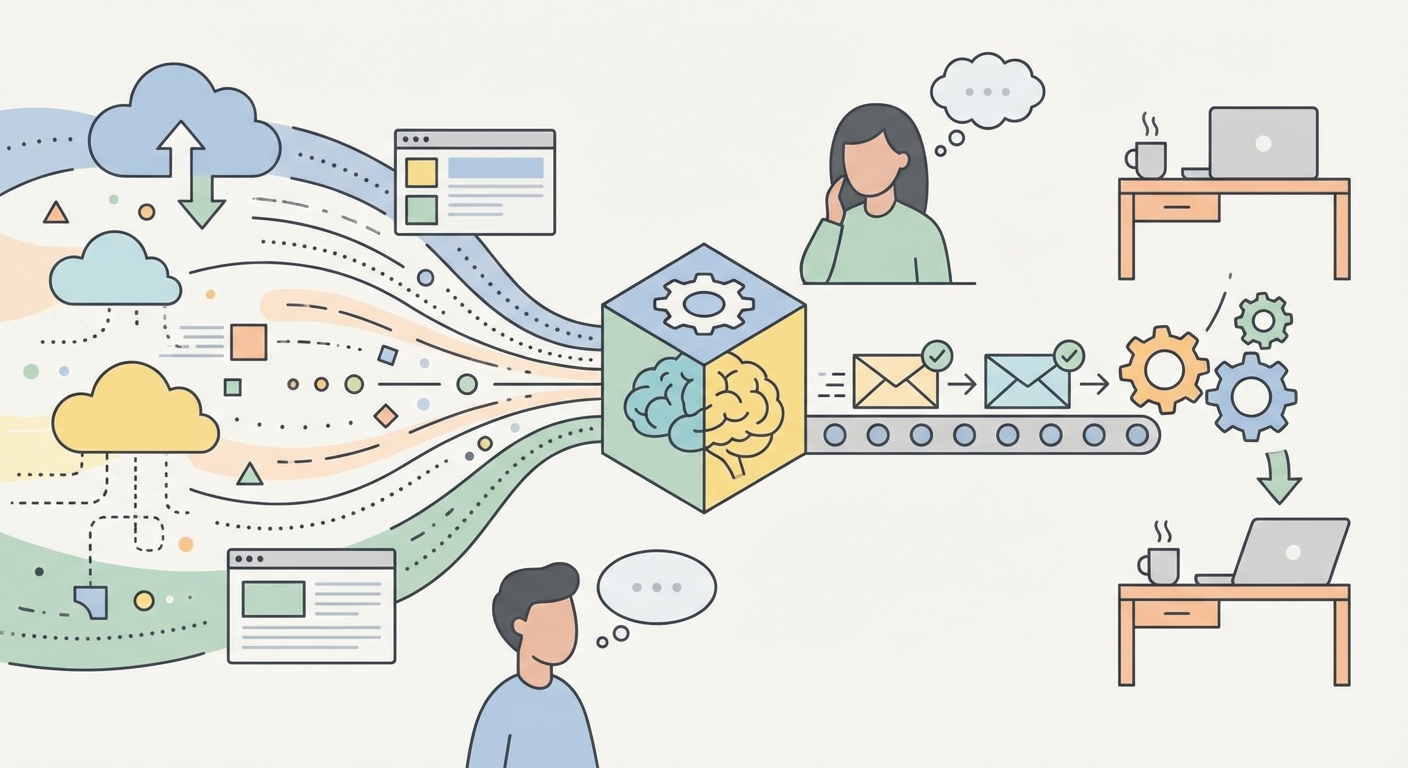
You gotta have a solid pipeline where your api feeds real-time data directly into these probabilistic engines. In retail, this might mean a stream of inventory levels updating a "stockout" probability curve every hour.
- Infrastructure: Use tools that support distribution-based outputs rather than just single integers. Look for probabilistic programming languages like PyMC or TensorFlow Probability to handle the heavy lifting.
- api Connections: Ensure your data flow is low-latency; bayesian updates lose their magic if the data is a week old.
- Scalability: As you add more agents, use a centralized dashboard to monitor "confidence" across the board.

As we scale up, visualization is the only way to keep things from getting messy. According to How We Picture Bayesian Agents (2021), the way we visualize these internal states helps us align ai behavior with human intent, especially when things get complex.
Security and performance really come down to seeing where the agent is "confused" before it makes a mistake. If you build your long-term ai strategy around visibility, you're not just buying a tool—you're building a system you can actually control. It's about making sure the machine and the human are finally on the same page.